
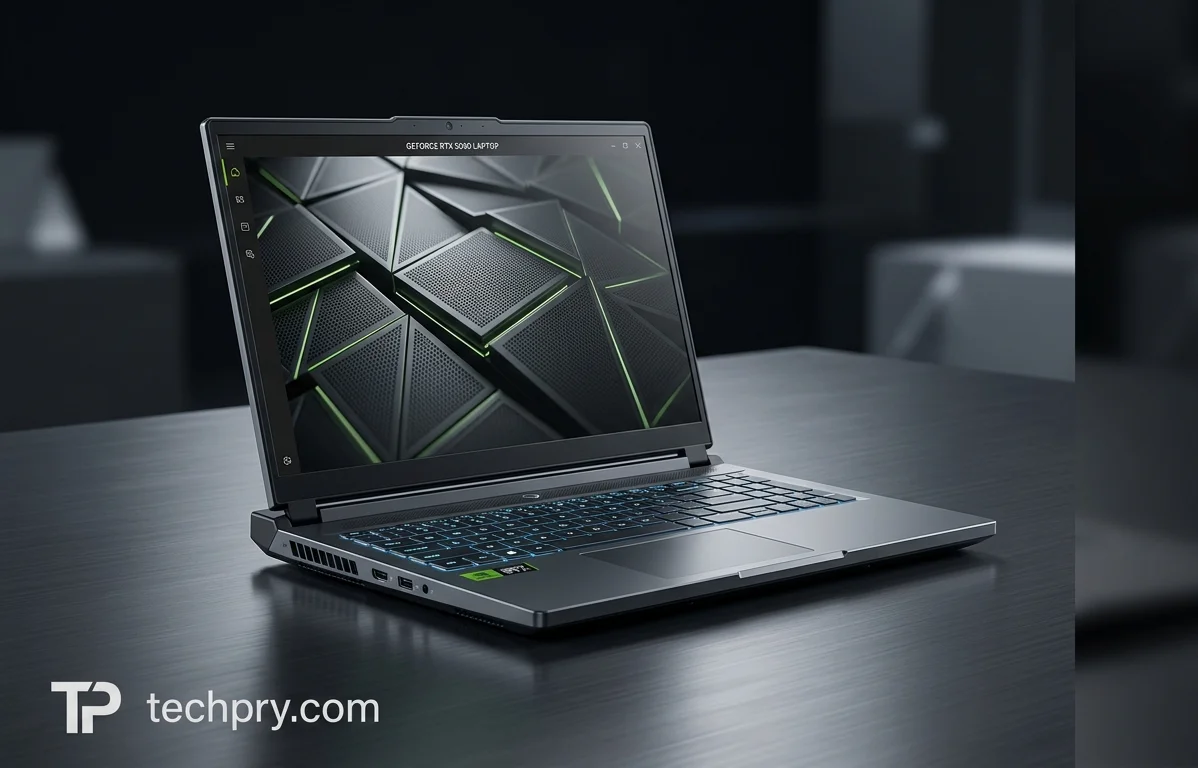
Nvidia GeForce RTX 5090 Laptop GPU: Specs, FPS and the 95-175 W Power Range
Reviewers are unanimous that it performs outstandingly, but a power range of 95 to 175 W means results vary by laptop, with 1440p Ultra comfortable and 4K Ultra depending on the game.
Contents
- Reviewers call its gaming and rendering performance outstanding
- A flagship discrete laptop GPU for gaming, released January 6, 2025
- Average FPS at 1080p, 1440p and 4K: 203 FPS down to 81 FPS
- FPS in nine tested games from 1080p High to 4K Ultra
- PCMag's Doom: The Dark Ages test: above 60 fps without DLSS
- DLSS 4 on RTX 50-series GPUs: Multi-Frame Generation, upscaling and how much it helps
- Sustained-load stability and the configurable 95-175 W TGP
- 24 GB of GDDR7 on a 256-bit bus: memory specs and how reviewers see the capacity
- 3DMark and PassMark scores for the RTX 5090 Laptop
- GeekBench 6 OpenCL compute and ML results
- Core configuration: 10,496 shading units, 328 tensor cores and 82 ray-tracing cores
- Cache sizes, fill rates and FP32 throughput of 31.8-45.3 TFLOPS
- Blackwell 2.0 architecture, GB203-400 chip and TSMC 4 nm manufacturing
- PCIe 5.0 x16, API support and the recommended Intel Core Ultra 9 275HX CPU
- Who the RTX 5090 Laptop GPU suits, and who should skip it
Reviewers agree the RTX 5090 Laptop GPU performs very well, but what any one laptop delivers depends on a setting that varies by machine: the power budget is configurable anywhere from 95 to 175 W. Inside that range the average results make 1440p Ultra the comfortable target at 136 FPS, while 4K Ultra falls to an 81 FPS average. That makes a laptop's power setting, not just the GPU name in the listing, the first thing to check.
Reviewers call its gaming and rendering performance outstanding
All three reviews that judge its performance are positive, each from a different machine or setup, so the verdict applies to those configurations rather than to the GPU in the abstract. Notebookcheck says its test unit, fitted with 128 GB of RAM, has enormous performance reserves for the latest AAA games, content creation and AI workloads. PCMag found a steady 60 fps within reach at most settings in its Doom test on a , and added that with this much graphics power, anything less would have disappointed. Techie Devices rates rendering and gaming performance as outstanding, crediting the GPU together with Intel Core Ultra processors.
Because every verdict attaches to a whole laptop, none of them isolates the GPU's own contribution. PCMag's bar was also high from the start: with this much graphics power, a miss would have counted against it. The praise reads as a flagship clearing a high expectation. The FPS tables below supply the numbers.
A flagship discrete laptop GPU for gaming, released January 6, 2025
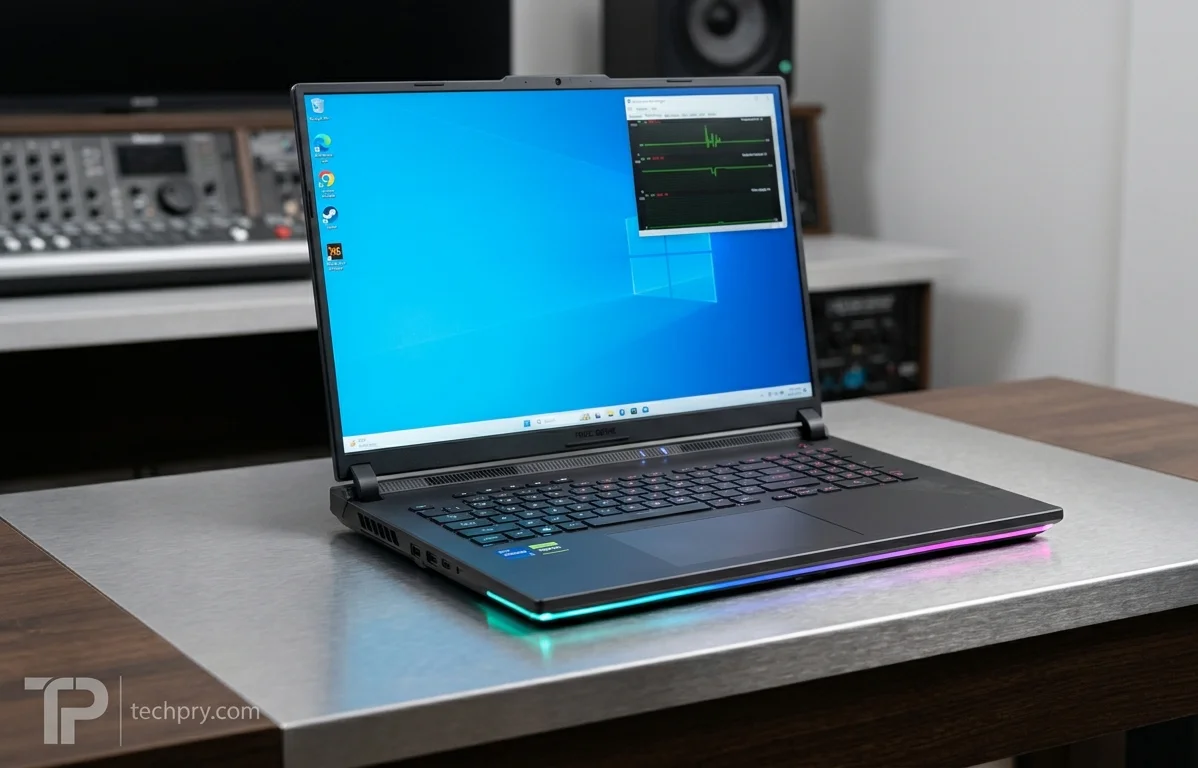
The RTX 5090 Laptop GPU is a discrete, non-integrated graphics processor intended for gaming and positioned in the high-end segment. It was released on January 6, 2025. Both PCMag and Techie Devices go further and call it Nvidia's top-end, flagship laptop GPU, so it sits at the top of the lineup.
It is the laptop variant, not a desktop card, so none of the figures in this article are desktop numbers.
Average FPS at 1080p, 1440p and 4K: 203 FPS down to 81 FPS
Across the tested games the GPU averages 203 FPS at 1080p High, 173 FPS at 1080p Ultra, 136 FPS at 1440p Ultra and 81 FPS at 4K Ultra, and the margin of error on those averages is rated Low.
Each step costs more than the last. Going from High to Ultra at 1080p trims the average, 1440p Ultra takes a bigger bite, and the move to 4K Ultra is the largest single drop in the set. A Low margin of error means the averages are a dependable summary, but an average only tells you the middle. How far individual games sit from it is in the next table.
FPS in nine tested games from 1080p High to 4K Ultra
Frame rates in the nine tested games run from 293 FPS in Counter-Strike 2 at 1080p High down to 51 FPS in at 4K Ultra. At 4K Ultra, that game and (55 FPS) are the only two of the nine below 60 FPS. The other seven reach 63 FPS or more, and three of them clear 100.
| Game | 1080p High | 1080p Ultra | 1440p Ultra | 4K Ultra |
|---|---|---|---|---|
| Forza Horizon 5 | 212 | 149 | 140 | 111 |
| The Witcher 3 | 225 | 201 | 143 | 75 |
| Counter-Strike 2 | 293 | 222 | 162 | 84 |
| Far Cry 6 | 167 | 153 | 134 | 83 |
| Hogwarts Legacy | 151 | 120 | 97 | 55 |
| Call of Duty: Modern Warfare III | 196 | 190 | 149 | 101 |
| Ghost of Tsushima | 135 | 114 | 96 | 63 |
| Cyberpunk 2077 | 177 | 153 | 110 | 51 |
| Shadow of the Tomb Raider | 273 | 257 | 194 | 104 |
Step down to 1440p Ultra and the picture changes: every one of the nine games is at 96 FPS or higher, with Ghost of Tsushima the lowest at 96. That is the clearest buying signal in the data. For a 1440p panel at maximum detail the GPU has room to spare in all nine titles, while at 4K the result depends on which games you play.
Top-end 1080p numbers do not predict 4K standing. Counter-Strike 2 starts highest at 293 FPS yet finishes at 84 FPS at 4K Ultra, behind Call of Duty: Modern Warfare III, which starts at 196 FPS and ends at 101 FPS. The first column is also High while the rest are Ultra, so the fall to 4K combines a resolution jump with a detail increase.
The two sub-60 results at 4K are the natural places to reach for DLSS, in games that support it. PCMag says the size of the gain varies from game to game.
PCMag's Doom: The Dark Ages test: above 60 fps without DLSS
No DLSS was needed. In PCMag's hands-on test the RTX 5090 laptop held above 60 fps on average in with DLSS off, even on the game's most demanding preset, though only narrowly there.
The test machine was a Razer Blade 16 with an processor, 32GB of memory and a 1TB SSD. PCMag stayed at the panel's native 2,560-by-1,600 resolution throughout.
| Preset | DLSS | What PCMag saw |
|---|---|---|
| High | Off | Frame rates in the 70s and 80s through the campaign, comfortably above 60 fps on average, with some dips as the action got frenetic |
| Ultra Nightmare | Off (TAA active) | Average of 65.8 fps with a 1% low of 53.9 fps |
The two rows tell different stories. On High the headroom is real, and PCMag says the dips did not get in the way. On Ultra Nightmare, which PCMag calls the most demanding scenario the game can produce for this laptop, the average clears 60 fps by a narrow margin. The 1% low of 53.9 fps sits below the target, so the worst moments fall under 60 even when the average passes.
PCMag's reviewer had expected to need DLSS to stay above 60 fps and was surprised that the GPU managed on its own. Two cautions keep that in proportion. It is one game on one laptop, with an AMD processor rather than the Intel chip recommended as its CPU partner, so it is a data point for that configuration, not a universal figure. And 65.8 fps at maximum settings sits far below the 136 FPS the nine-game average reaches at 1440p Ultra. The comparison is not like for like, but it is a reminder that a nine-game average will not predict how a particular new title behaves at its top preset.

DLSS 4 on RTX 50-series GPUs: Multi-Frame Generation, upscaling and how much it helps
The GPU supports . According to PCMag, DLSS 4 on compatible RTX 50-series GPUs covers , Super Resolution upscaling and , all using new transformer-based AI models. How much it helps depends on the title. PCMag's reviewer calls the GPU quite capable on its own, yet says DLSS 4 brings large frame-rate gains that vary from game to game.
Read next to the Doom results, that makes DLSS 4 extra room rather than a requirement, at least in that game at native 1600p. The above-60 results were captured with it off, so any gain would come on top. The tools matter most where native performance runs out, such as the 4K Ultra results below 60 FPS in the table above, provided the game supports them. The gain is described in general terms, so how much extra headroom a particular game gets is something to check title by title.
Sustained-load stability and the configurable 95-175 W TGP
The (total graphics power, the cap on how much power the GPU draws) is configurable from 95 to 175 W, with a base clock of 990–1515 MHz and a boost clock of 1515–2160 MHz. Notebookcheck's ran it at the 175 W maximum. With an alongside it, the test unit's CPU and GPU performance stayed stable even under sustained load.
The ranges are the story. Power and both clocks are configurable, so 'RTX 5090 Laptop' names a family of operating points rather than one fixed GPU, and the 175 W SCAR 18 sits at the top of it. Its sustained-load result is best read as a high-end case. It came from one unit at the maximum setting, and only one of the three reviews comments on sustained behavior at all. How a laptop set nearer 95 W holds up over a long session is a question that finding does not answer. Check the TGP a manufacturer lists for the exact model before assuming the numbers in this article apply to it.
24 GB of GDDR7 on a 256-bit bus: memory specs and how reviewers see the capacity
The GPU carries 24 GB of on a 256-bit bus, with a 1750 MHz memory clock, a 28000 Mbps effective speed and 896 GB/s of bandwidth. The memory does not support ECC.
Techie Devices adds how the capacity is reached: 3 GB GDDR7 modules across that 256-bit bus. It says this matches desktop capacities and lets data scientists load massive datasets entirely into local memory. It is the only one of the three reviews to speak to the VRAM, so the praise is one outlet's view, though the memory figures back up the capacity itself.
Two connections are worth drawing. First, the figures are consistent with each other: 28000 Mbps per pin across 256 bits works out to the listed 896 GB/s, so the bandwidth comes from bus width and speed, while the 3 GB modules explain how 24 GB fits on a bus of that width. Second, the data-science pitch sits awkwardly with the missing ECC support. Buyers whose work needs error-correcting memory will not find it here.
3DMark and PassMark scores for the RTX 5090 Laptop
NanoReview lists a score of 25015 and a score of 16530, alongside four other 3DMark tests and four PassMark results.
| Benchmark | Result |
|---|---|
| 3DMark Time Spy | 25015 |
| 3DMark Solar Bay | 115087 |
| 3DMark Port Royal | 16530 |
| 3DMark Fire Strike | 51145 |
| 3DMark Wild Life Extreme | 47290 |
| 3DMark Night Raid | 177560 |
| PassMark G2D Mark | 1108 |
| PassMark DirectX 11 | 266 FPS |
| PassMark DirectX 12 | 135 FPS |
| PassMark GPU Compute | 11399 Ops/s |
Different 3DMark tests sit on different scales, so Night Raid's 177560 next to Port Royal's 16530 does not rank one workload above another. The rows are for comparing with another GPU's score in the same test. Port Royal is the suite's ray-traced workload, which makes it the row to watch if ray-traced games matter to you. The same logic applies to PassMark: its DirectX 11 and DirectX 12 results are separate tests, not a head-to-head of the two APIs.
GeekBench 6 OpenCL compute and ML results
In the RTX 5090 Laptop reaches 1150 Gpixels/sec in Stereo Matching and 29783 FPS in Particle Physics on the compute side. Its ML scores range from 272117 in Style Transfer (SP) down to 3209 in Text Classification (SP), according to NanoReview. The compute test uses the API and covers eight workloads. The ML suite covers ten.
| OpenCL compute workload | Result |
|---|---|
| Background Blur | 266.5 img/sec |
| Face Detection | 196.9 img/sec |
| Horizon Detection | 10.6 Gpixels/sec |
| Edge Detection | 15.2 Gpixels/sec |
| Gaussian Blur | 14.4 Gpixels/sec |
| Feature Matching | 1.89 Gpixels/sec |
| Stereo Matching | 1150 Gpixels/sec |
| Particle Physics | 29783 FPS |
| ML workload | Score |
|---|---|
| Style Transfer (SP) | 272117 |
| Pose Estimation (Q) | 151395 |
| Face Detection (HP) | 67213 |
| Depth Estimation (Q) | 57894 |
| Image Super Resolution (Q) | 33652 |
| Image Segmentation (HP) | 33054 |
| Object Detection (SP) | 15618 |
| Image Classification (SP) | 12121 |
| Machine Translation (HP) | 6292 |
| Text Classification (SP) | 3209 |
Scores in different rows are not comparable. Each row is a different workload with its own unit, and the ML rows carry a precision tag (SP, HP or Q) as well. The ML scores span nearly two orders of magnitude, from 272117 to 3209, which says more about the workloads than about the GPU. The numbers earn their value when set beside another GPU's results on the same row.
The ML figures were produced with the framework and the backend, so they describe that software path, and a different framework or backend is not guaranteed to give the same numbers. For AI work, these tables say how fast the GPU is, while the 24 GB of memory covered earlier says how much fits.
Core configuration: 10,496 shading units, 328 tensor cores and 82 ray-tracing cores
The GPU has 10,496 shading units, 328 texture mapping units, 112 render output units and 82 compute units, plus 328 and 82 .
The counts line up neatly: the 82 ray-tracing cores match the 82 compute units one for one, and the 328 tensor cores match the 328 texture mapping units. The tensor cores are the hardware behind Nvidia's AI features, which is why they matter for the transformer-based models in DLSS 4. These counts are fixed for the chip while clocks and power vary by laptop, so they set the ceiling rather than predict what a given machine delivers.
Cache sizes, fill rates and FP32 throughput of 31.8-45.3 TFLOPS
The cache is 128KB of L1 per cluster and 64MB of shared L2, and the GPU is listed at 2 IPC. Pixel fill rate runs 170–242 GPixel/s, texture fill rate 497–708 GTexel/s and FP32 throughput 31.8–45.3 TFLOPS.
Those throughput figures are published as ranges, and the spread is consistent with the configurable clocks and power budget described earlier. A laptop at the top end of its settings has far more raw compute on tap than one at the bottom, 45.3 against 31.8 TFLOPS. FP32 TFLOPS measures raw arithmetic capacity, not game frame rates, which is why the FPS tables are the better guide for gaming.
Blackwell 2.0 architecture, GB203-400 chip and TSMC 4 nm manufacturing
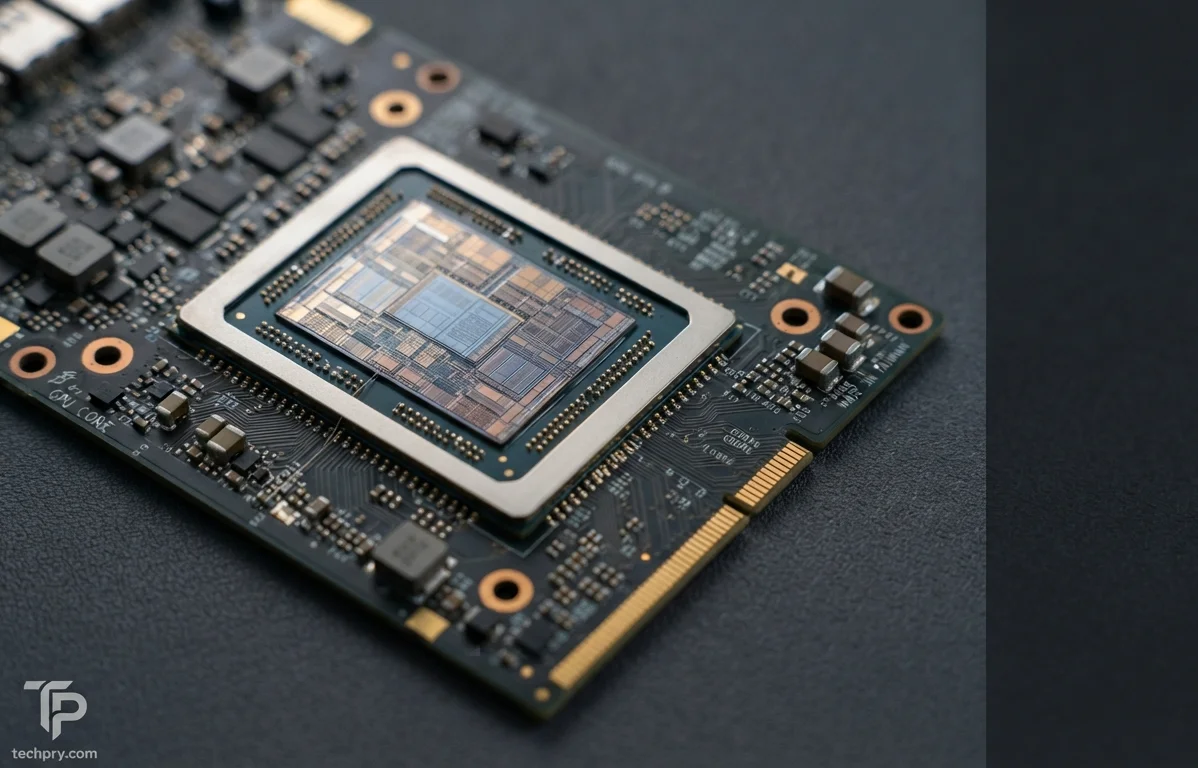
Nvidia's RTX 5090 Laptop GPU is built on the around the chip, manufactured by on a 4 nm process. The die measures 378 mm² and holds 45.6 billion transistors, a density of 120.63 MTr/mm².
The three die figures check out against each other, since 45.6 billion transistors over 378 mm² gives the listed density. The die is the fixed part of the story, and the clocks and TGP are what change from laptop to laptop.
PCIe 5.0 x16, API support and the recommended Intel Core Ultra 9 275HX CPU
The recommended CPU is an or above, and the GPU connects over . It lists DirectX 12, Vulkan 1.4, OpenGL 4.6, OpenCL 3.0 and CUDA 10.1, with , DLSS 4 and also listed.
The CPU recommendation reads as guidance rather than a requirement. Notebookcheck's SCAR 18 paired the GPU with an Intel Core Ultra 9 290HX and PCMag's Razer Blade 16 used an AMD Ryzen AI 9 HX 370, and both reviews reported strong results. DisplayPort 2.1a is a capability of the GPU, while which ports a given laptop exposes is up to its maker.
Who the RTX 5090 Laptop GPU suits, and who should skip it
A strong fit: players who run 1440p at Ultra detail, where all nine tested games stay at 96 FPS or higher, and 4K players willing to lean on DLSS 4 in the titles that fall below 60 FPS natively. It also suits users who want the 24 GB of GDDR7 for large datasets and AI work and can live without ECC.
Think twice: anyone who needs error-correcting memory, anyone expecting a locked 60 fps at maximum settings in the heaviest new releases without DLSS (PCMag's 1% low in Doom at Ultra Nightmare was 53.9 fps), and anyone who buys a laptop without checking its TGP, since the same GPU name spans 95 to 175 W.
Comments 0
Please log in or sign up to comment.